> ## Documentation Index
> Fetch the complete documentation index at: https://docs.elementary-data.com/llms.txt
> Use this file to discover all available pages before exploring further.
# PagerDuty
Elementary's PagerDuty integration enables sending alerts when data issues happen.
It is recommended to create [alert rules](/cloud/features/alerts-and-incidents/alert-rules) to filter and select the alerts that will create incidents in PagerDuty.
## Enabling PagerDuty alerts
Important: The user connecting PagerDuty must have at least a "User" role (not "Limited User") in PagerDuty, as this role is required add "Events API v2" integrations to services.
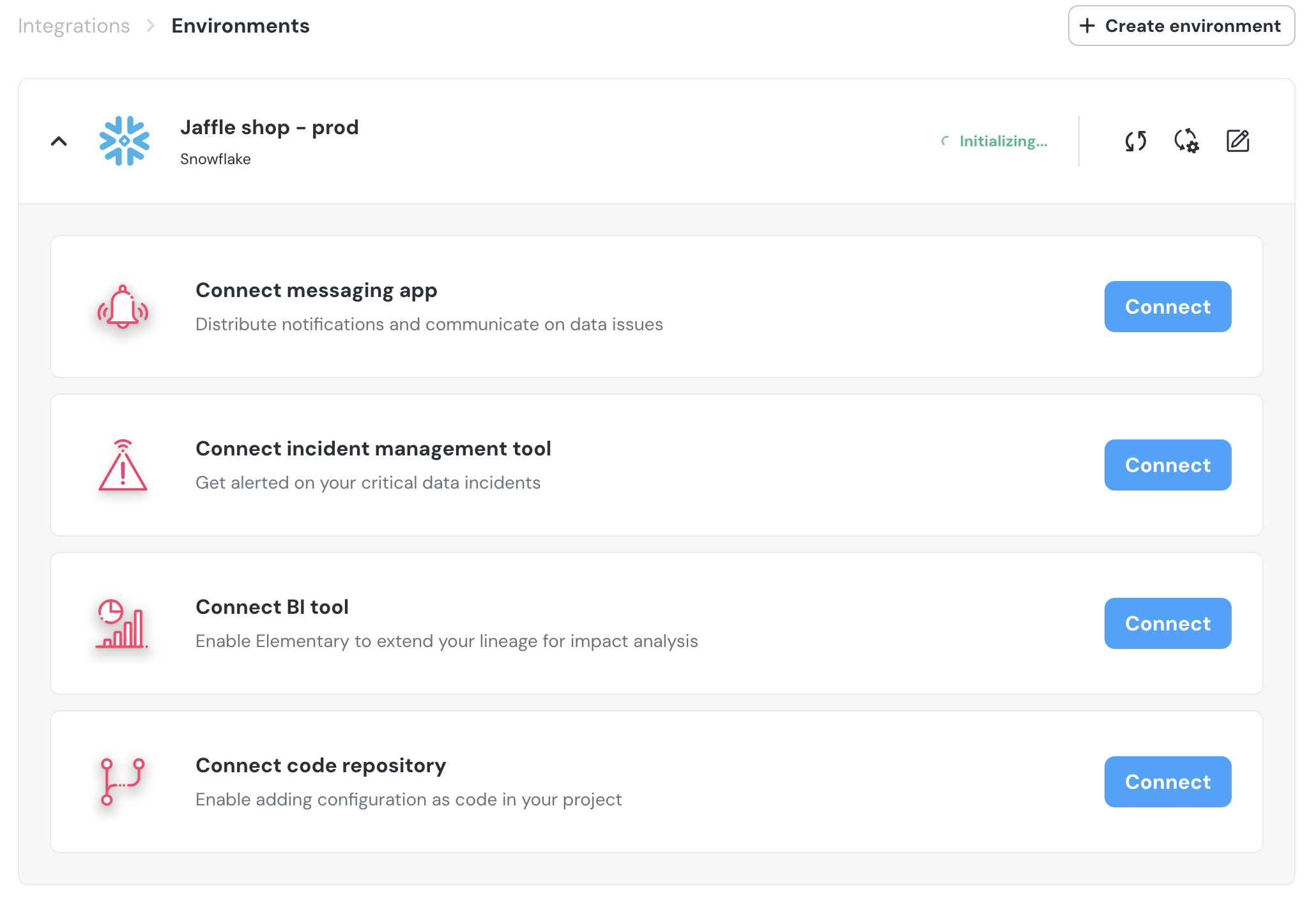
1. Go to the `Environments` page on the sidebar.
2. Select an environment and click connect on the `Connect incident management tool` card (second card), and select `PagerDuty`.
3. Authorize the Elementary for your account. **This step may require admin approval.**
4. `PagerDuty` will now be available as a destination on the [`alert rules`](/cloud/features/alerts-and-incidents/alert-rules) page. You can add rules to create PagerDuty incidents out of alerts who match your rule.