

Supported providers
Amazon Bedrock remains the default when no key is configured.
How it works
- The key is used for both the interactive chat agent and the background runner (incident triage, test recommendations, and other automated workflows).
- When a key is configured, Elementary’s AI credit quotas are bypassed — usage is metered by your provider, not by Elementary.
- Token counts are still recorded for observability, but no cost is attributed on Elementary’s side.
- You can curate which models are exposed in the chat model picker. Leave the selection empty to expose every model your key can access.
On BYOK accounts, the agent’s requests (including the system prompt) are sent to your provider using your key, so they appear in your provider’s own request logs.
Set it up
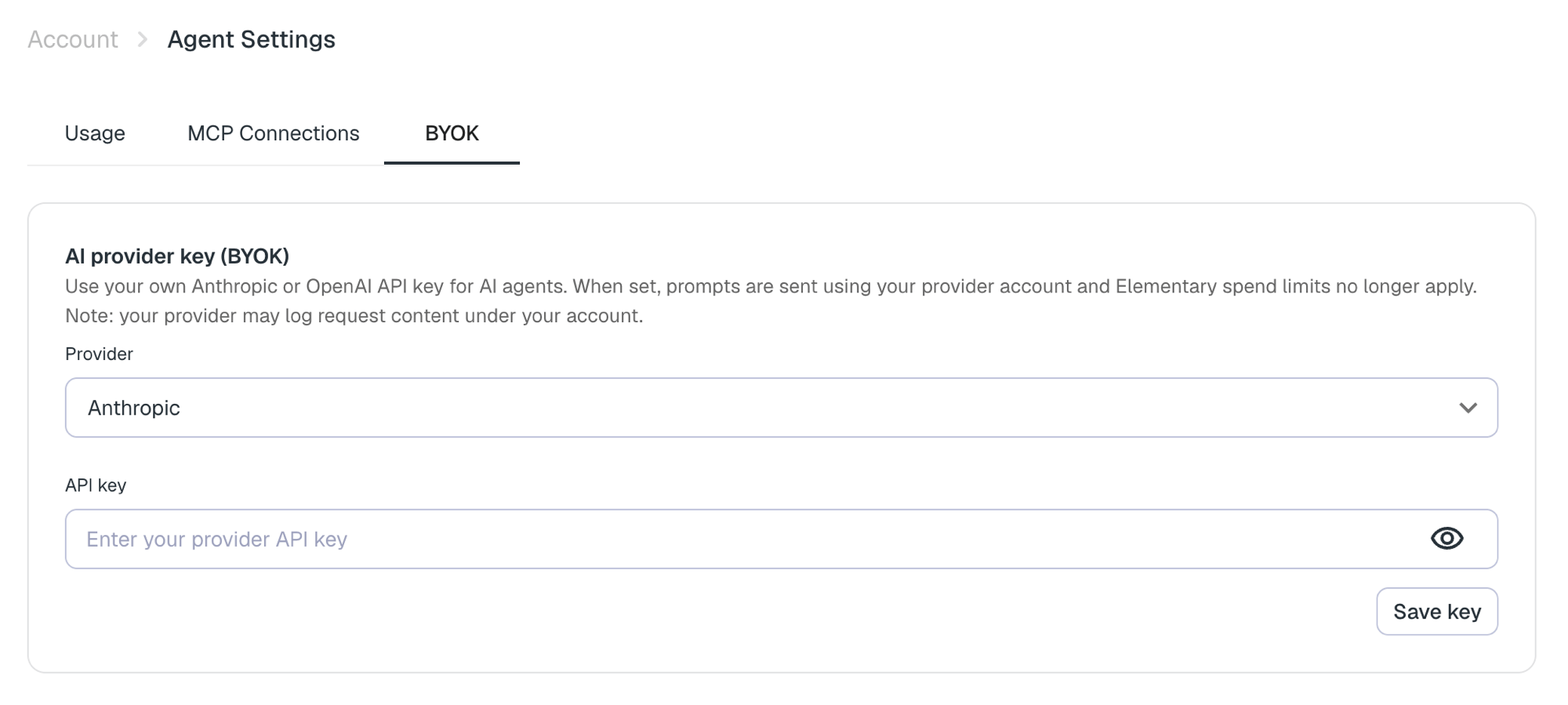
- Go to Account → Agent Settings → Bring your own key.
- Choose a provider (Anthropic or OpenAI) and paste your API key. Keys are stored encrypted.
- Optionally select which models to expose in the chat picker.
- Save. New chat sessions and agent runs will use your key.
Managing BYOK requires the Edit integrations permission.