How it works
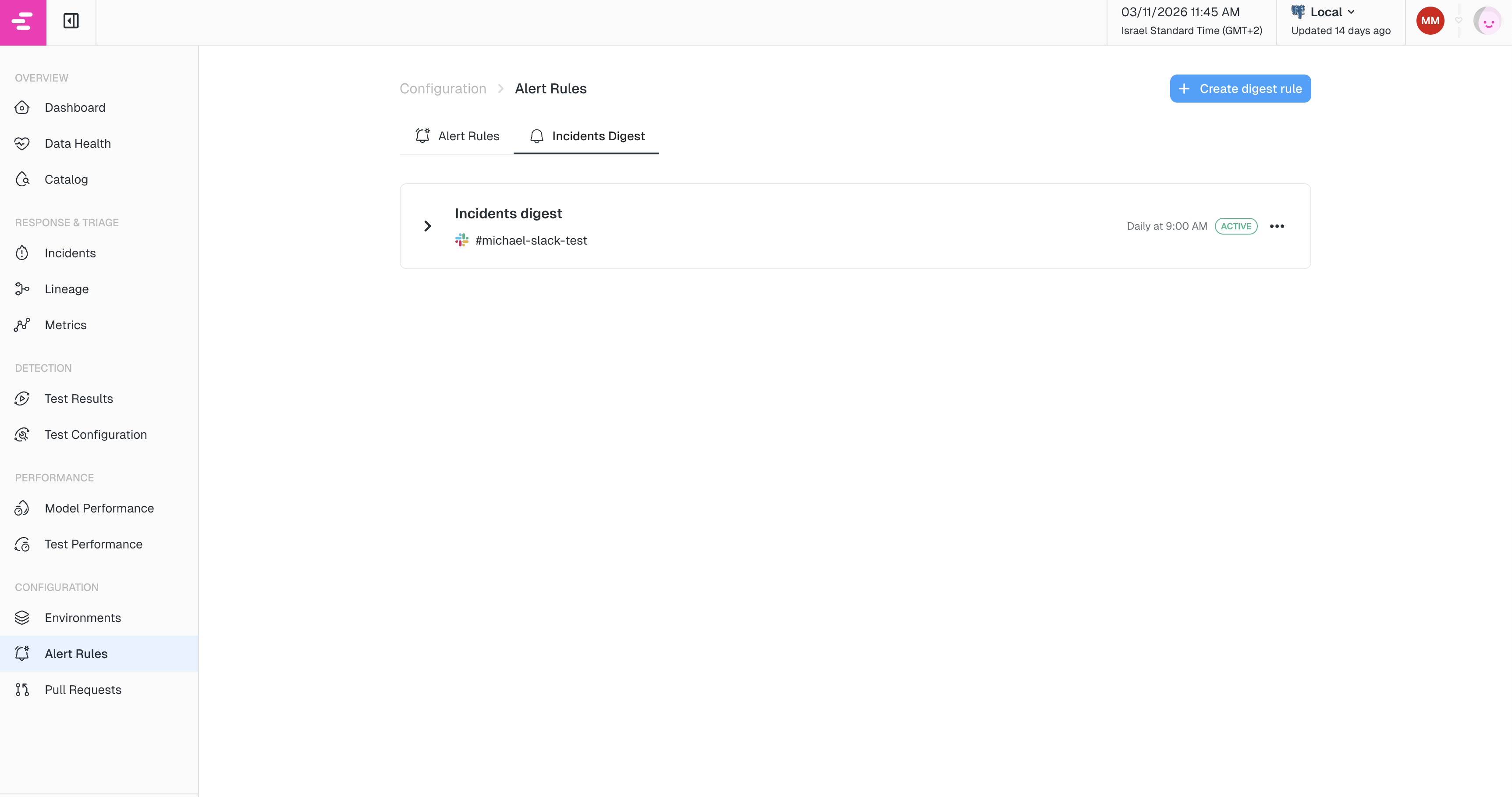
Digest rules are configured under Alert Rules → Incidents Digest tab. Each rule defines:- When to send the digest (cadence: daily or weekly, at a specific hour)
- Which incidents match (filters by tag, owner, status, model, or category)
- What to include (only what changed since the last send, or full incident status over a lookback window)
- Where to send it (one or more destinations such as a Slack channel or email)
Creating a digest rule
Navigate to Alert Rules in the left sidebar and select the Incidents Digest tab. Click Create digest rule to open the configuration drawer. The filters, categories, and destinations are configured the same way as in Alert Rules. Unique to digest rules are cadence and what to include.Cadence
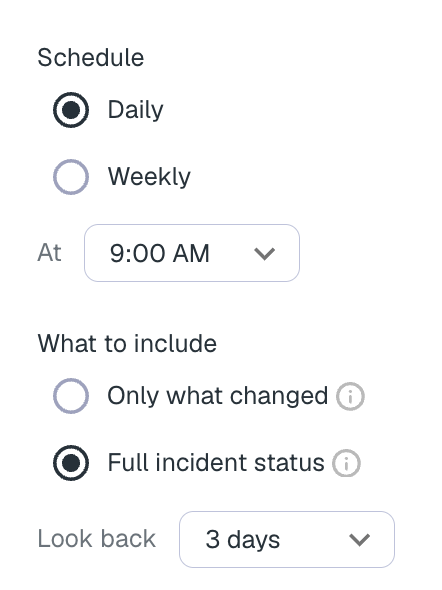
Choose how often the digest should be sent:- Daily — sent once a day at the hour you choose.
- Weekly — sent once a week on the day and at the hour you choose.
What to include
Under What to include, choose how the digest selects incidents:- Only what changed — incidents that opened, were acknowledged, or resolved since the previous report. Already-open incidents that failed again are not included.
- Full incident status — a snapshot of still-active incidents over a lookback window, plus anything that changed since the last report.
Full incident status
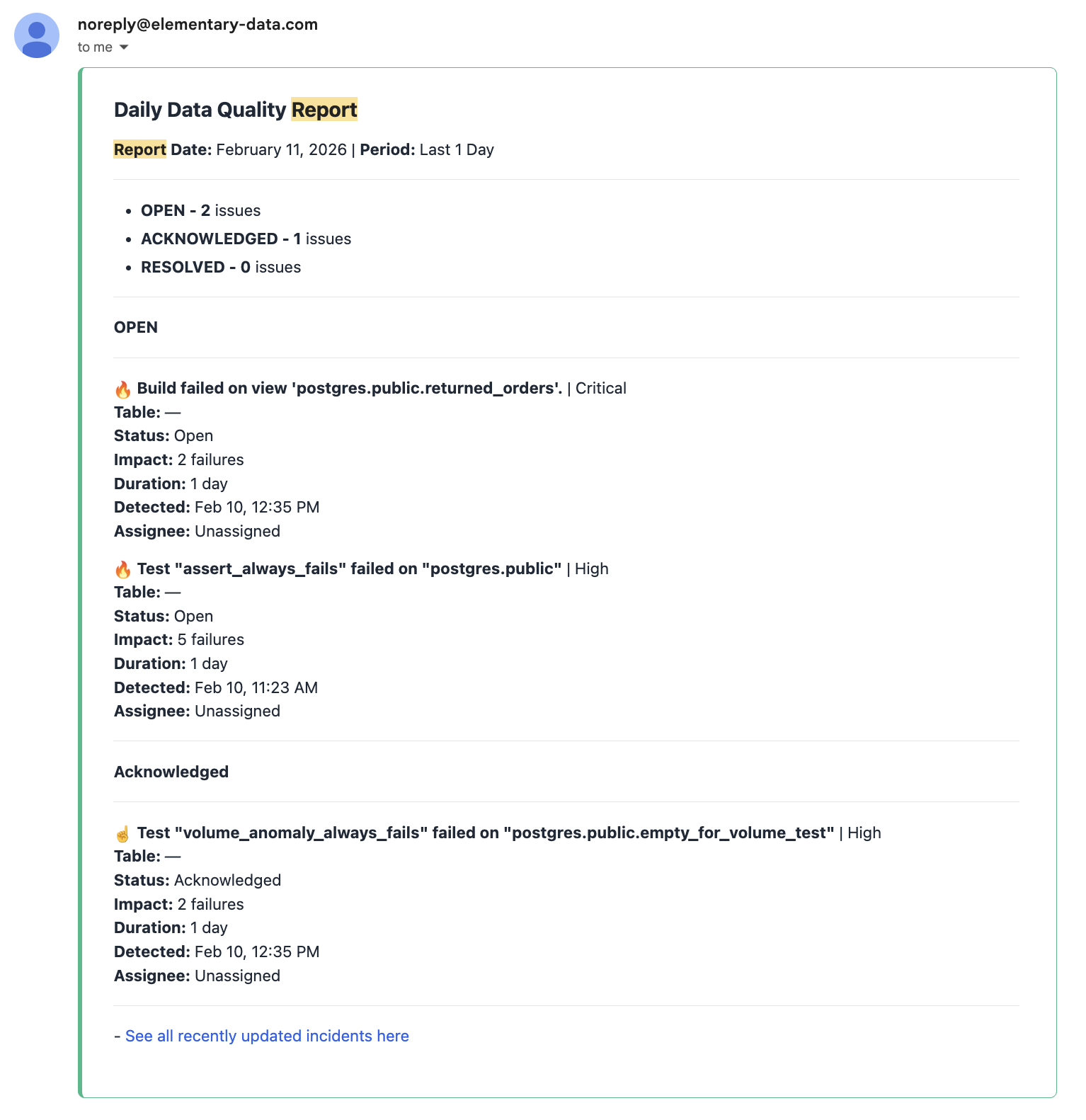
When Full incident status is selected, set Look back to 1, 3, 7, 14, or 30 days. The digest then includes:- Open — incidents that are still open and whose last failure is within the lookback window, including ones that opened earlier. This matches the incidents page for the same window.
- Acknowledged — the same, for incidents you have already acknowledged.
- Resolved since last report — incidents that closed since the previous digest, so the report shows what got done without repeating everything resolved in the last N days.
To get a daily reminder of still-open incidents, edit the digest rule, select Full incident status, and set a lookback (for example 7 days). Leaving the rule on Only what changed continues to send only activity since the last report.
Managing digest rules
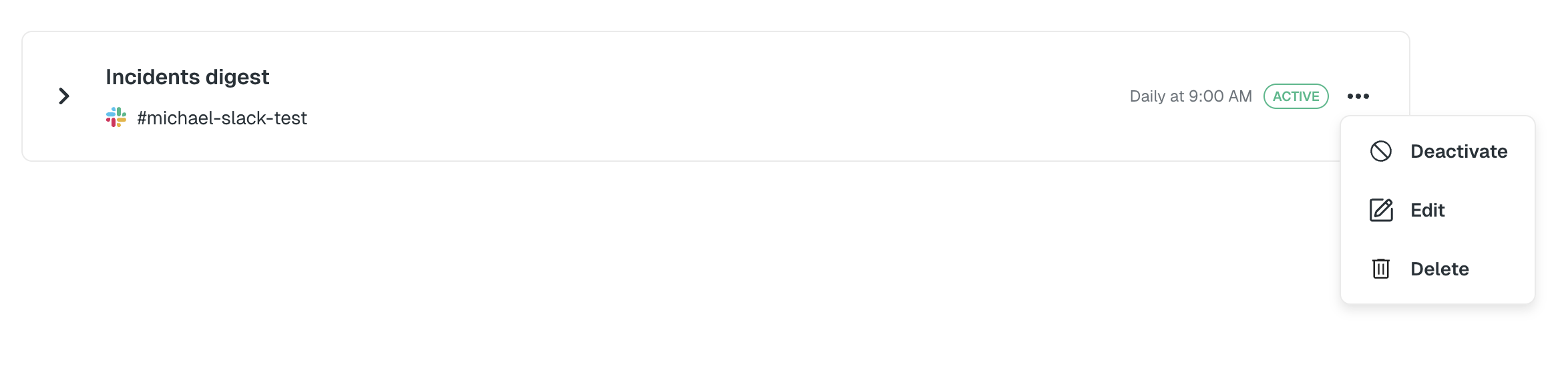
Once created, digest rules appear as cards in the Incidents Digest tab. From each card you can:- Edit the rule to change any configuration.
- Activate / Deactivate the rule without deleting it.
- Delete the rule.