

SQL-based cloud tests read table data, so they need data access for the environment’s warehouse connection. Data access is enabled in one of two ways:
- Elementary enables data access on the warehouse connection. Contact the Elementary team to turn it on.
- You connect an Elementary Runtime to the warehouse connection.
How it works
On each run, Elementary returns every row whose value breaks the test’s rule. Each failing row is one table row, and the row sample contains the full rows.- One rule per test. To check several rules on the same field, for example a range and a regex, add a test for each rule. For combined logic, use a custom SQL test.
- Nulls are ignored. A null value never breaks a validity rule. To require a value, add a completeness test.
Rules
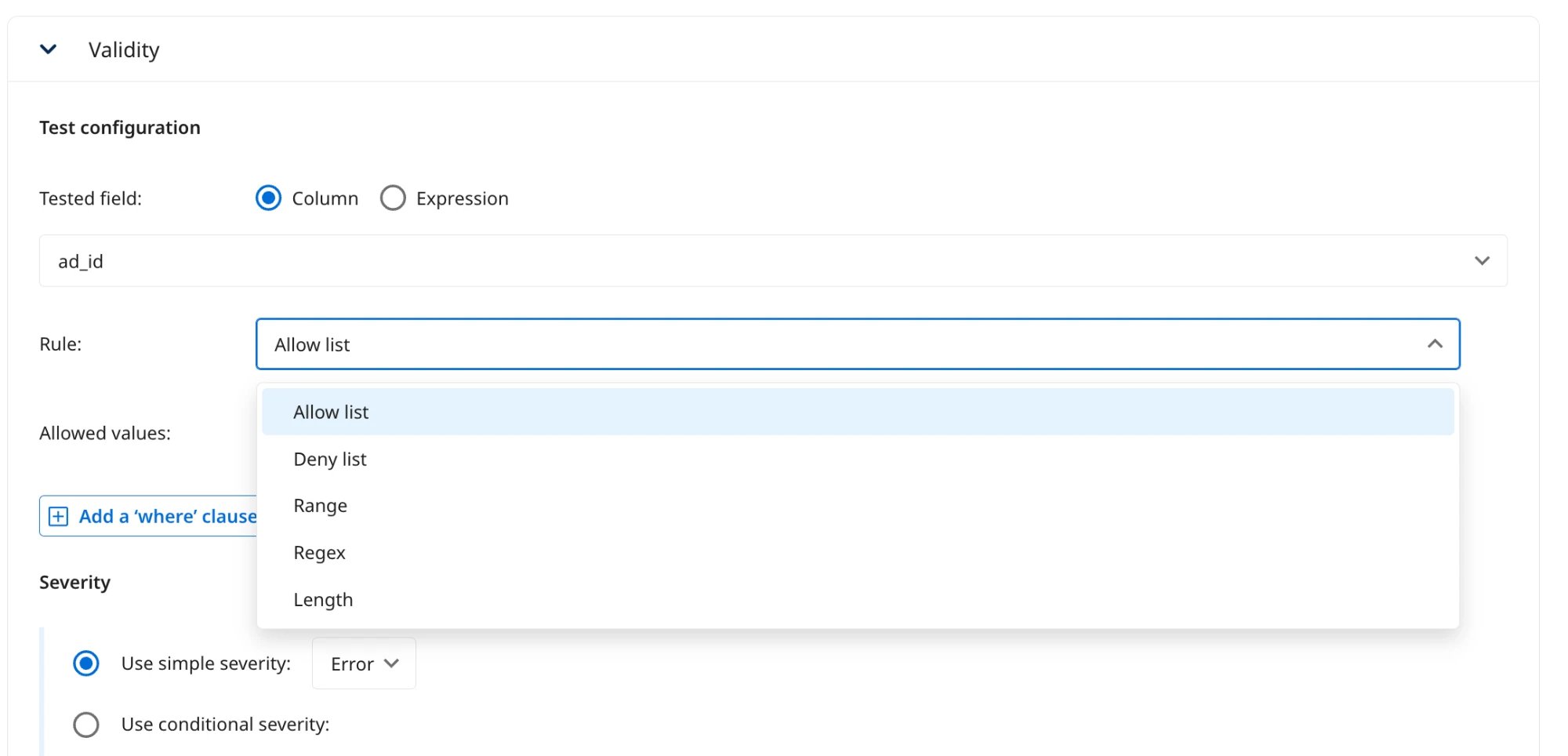
Choosing the rule of a validity test
Regex patterns
A value matches when the pattern is found anywhere in it. To validate the whole value, anchor the pattern with^ and $:
Regex and length rules compare the value as text, so they also work on numeric columns.
Regular expression support differs between warehouses. Use standard syntax, such as character classes, anchors, and quantifiers, and run the preview to confirm the pattern behaves as expected on your warehouse.
Configuration
Severity, thresholds, sampled rows, and cadence work the same for all SQL data tests. See Configuration.
Examples
dbt equivalent
In dbt, these rules map to theaccepted_values test and to package tests such as dbt_expectations.expect_column_values_to_be_between, expect_column_values_to_match_regex, and expect_column_value_lengths_to_be_between. See Cloud tests or dbt tests to decide which to use.